How do I sign up for a Cambian Coordinator account?
Coordinator account sign-up
Users cannot sign up for a Coordinator account on their own. An organization administration must first add you as a user which will trigger a sign-up invitation email with instructions for accessing Coordinator.
If you haven't received a sign up email, please contact your organization administrator.
Complete your sign-up
If you have received a sign-up invitation, follow the steps below to complete the setup of your Coordinator account.
- Open the Coordinator application
Click the link in your sign-up invitation email to open the Coordinator application. - Enter your Organization ID
On the sign-in page, you will first be asked to enter the Organization ID for the organization you wish to access. Your organization administrator should provide this ID to you.
If you do not know your organization ID, please contact your organization administrator. - Enter your sign-in credentials
After entering your organization ID, click Next.
Enter the same email address where you received the sign-up invitation. Then, copy and paste the temporary password provided in the invitation email into the Password field and click Sign in. - Create a new passwordYou will then be prompted to create a new password. Your password must be 8–20 characters long and include at least:
- One lowercase letter
- One uppercase letter
- One number
- One symbol
- Set up your authenticator appAs an additional security measure, you will be asked to set up an authenticator app for your account.For detailed instructions on setting up an authenticator app, please refer to this article.
You’re All Set!
Great work! You have successfully signed in to your new Coordinator account. You should now be redirected to the application’s home screen.
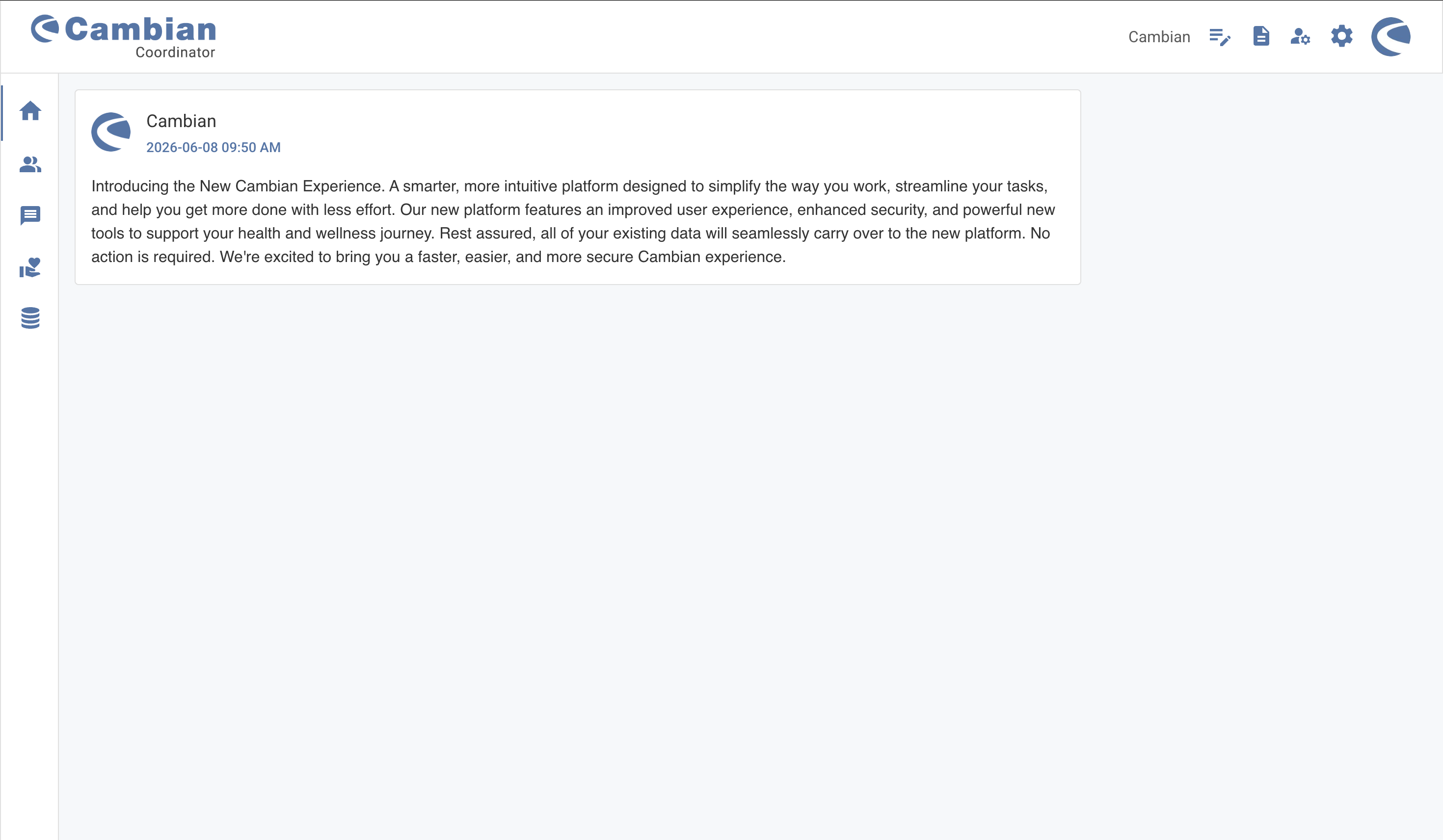
Great work! You have successfully signed in to your new Coordinator account. You should now be redirected to the application’s home screen.